About Motion Index

Motion Index is the curated video reference library for product film. Every video is handpicked, every video is broken down shot by shot, and the entire library is searchable by color, mood, pace, and intent. One place to find, organize, and present visual direction — before a single frame is shot.

Finding the right reference shouldn't take all day.

Every creative project needs a visual direction — a look, a mood, a rhythm. You need it for yourself, to guide the work. You need it for your client, so they know what they're getting. You need it for your team, so everyone is building toward the same thing.

But finding those references has always been painful. Hours on Vimeo and YouTube, scrolling through results of wildly inconsistent quality. Scrubbing through a 60-second video hoping the right 3-second moment is buried inside. Screenshotting a still frame and trying to communicate pacing, camera movement, and rhythm with a frozen image.

And even when you find what you need, it lives in scattered bookmarks, Slack threads, old slide decks, and desktop folders. None of it is organized. None of it is searchable. When a similar brief comes in six months later, you start from zero.

The most expensive part isn't the searching. It's what happens when alignment breaks down. A miscommunicated color direction means re-grading. A misunderstood pacing note means re-editing. A "that's not what I meant" after a shoot means reshooting. In product film, a single round of revisions can cost tens of thousands.

What Motion Index is.

Motion Index is a curated video reference library for motion designers, filmmakers, creative directors, agencies, and studios working in product film and motion design.

Every video in the library is handpicked — sourced from the most talented studios, directors, and artists working today. Nobody posts to Motion Index. There is no algorithm deciding what gets in. Every video is selected by hand because it meets one standard: reference-grade work you'd actually show a client.

But we don't stop at the video level. Every video is broken down into its individual shots — typically 10 to 30 per video. Each shot is independently searchable, filterable, and saveable. You're not scrolling through full videos hoping the right moment is in there. You're finding the exact shot you need.

What makes it different.

Motion Index exists because no existing reference library serves product film professionals. The alternatives are built for different disciplines, different media, or different levels of quality.

Unlike stills-based reference libraries

Cinematic reference libraries like ShotDeck are excellent for narrative film — stills from feature films, searchable by lens, lighting, and composition. But they're built around cinema, not product films. The visual language of a watch commercial is different from a feature film. And stills can't communicate pacing, camera movement, or rhythm. Motion Index is video, product-focused, and operates at the shot level.

Unlike general-purpose inspiration libraries

Pinterest, Behance, and Dribbble have everything — and that's the problem. They aren't curated for product film, the quality is inconsistent, and they're almost entirely stills. A search for "product film reference" returns mood boards, stock photos, and the occasional video thumbnail. For a medium that's about motion, working with frozen images is fundamentally broken.

Unlike Vimeo and YouTube

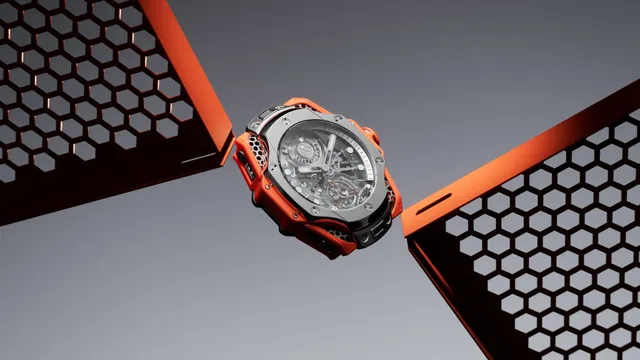
Motion Index doesn't have "better" videos. It has the same videos — already found, already vetted, already broken apart into individual shots, and already organized into a system built for one job. Try searching Vimeo for "high-end watch product films in designed spaces, desaturated colors, moody dark lighting." On Motion Index, that's three filter clicks. What used to take an afternoon takes 30 minutes.

How it works.

The Library

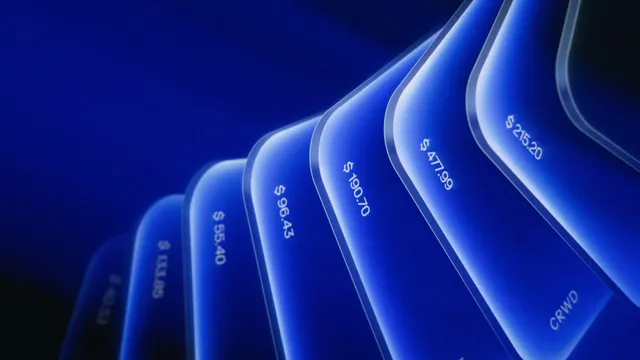
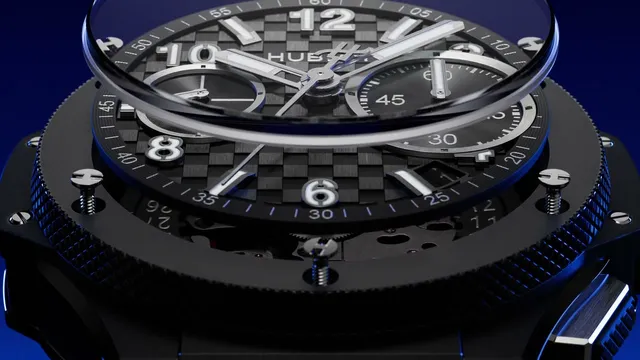
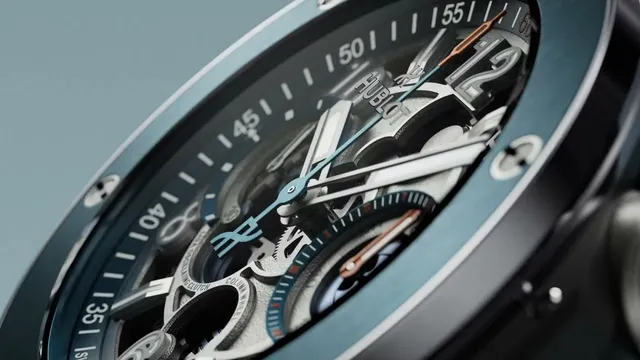
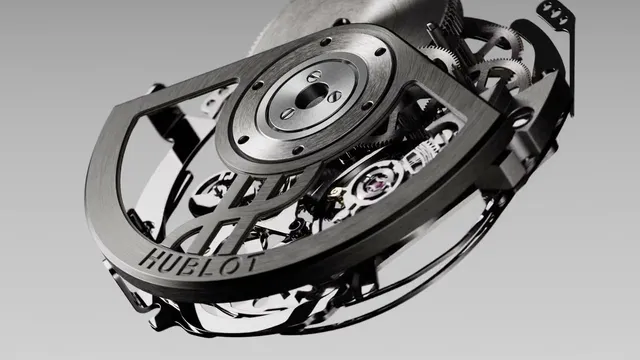
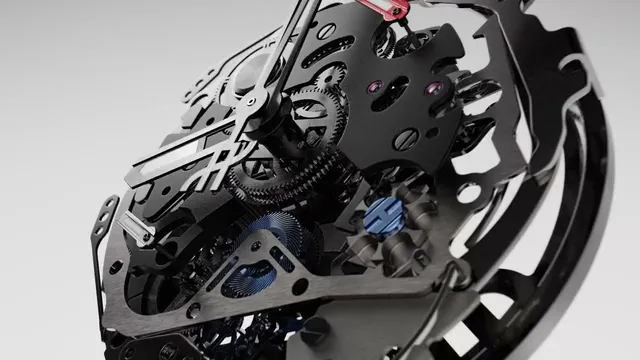
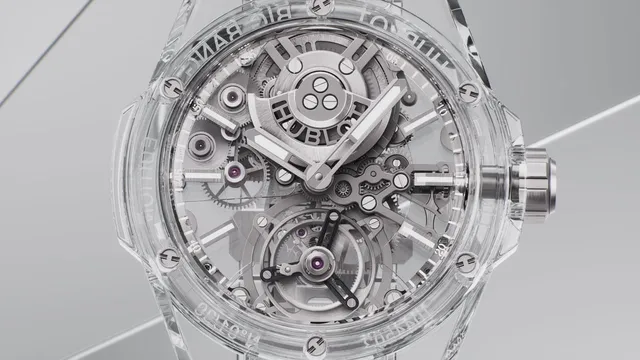
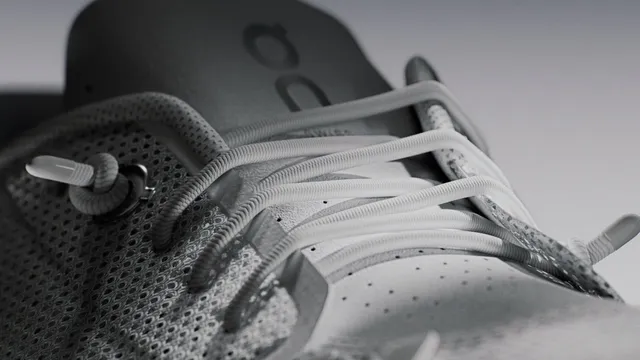
3,500+ product films, handpicked from public Vimeo and YouTube content. Every one is broken down into individual shots — over 40,000 searchable moments across the library. Work from studios like Tendril, FutureDeluxe, and ManvsMachine. Brands like Hublot, Nike, Microsoft, and Bang & Olufsen. No filler. No student work. If it couldn't be the frontpage video, it doesn't get in.

  • Every video decomposed into 10–30 individual shots
  • Find one shot you like — the gallery shows visually similar shots from across the library
  • Curated by industry professionals, not surfaced by an algorithm

Search & Filters

Type "golden hour watch on concrete" and get shots that match the concept, not just the words. Drop in an image — maybe a frame from a client brief — and find visually matching shots from across the library. Or get specific: dial in exact hue ranges, saturation levels, brightness distribution, texture detail, and pace. Every search, every filter operates at the shot level.

  • Semantic search — understands concepts and intent, not just keywords
  • Image search — drop in any image, find shots that match by color, composition, and light
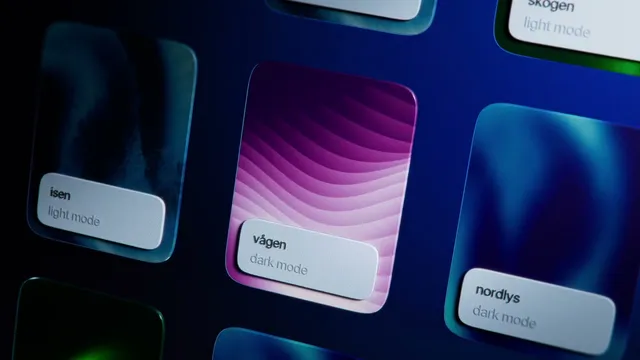
  • Color filters with exact hue degree ranges — combine two ranges for duotone palettes
  • Luminance distribution — define how light and shadow should be distributed in the frame
  • Detail, saturation, and pace filters for full visual control

Canvas Editor

An infinite, freeform canvas with the entire library in a sidebar. Drag shots, sequences, and full videos onto the canvas — every clip plays on hover. Write annotations, draw over references, group elements into nested structures. Import your own files and videos alongside library references. This isn't a mood board. It's a pre-production workspace — the artifact you build, present, and share.

  • Live video playback on the canvas — no frozen thumbnails
  • Text annotations and freehand drawing tools
  • Nested grouping for complex project structures
  • Import local files — storyboards, rough cuts, client assets

Collections & Sequences

Save individual shots, full videos, and sequences into your own organized library. Nest collections into folders however your projects demand. Chain multiple shots into sequences — playable references that communicate rhythm, transitions, and energy. Something a mood board of stills can never do.

  • Save and organize at the shot level
  • Sequences: chain shots into playable multi-clip references
  • Nested folder structure for collections
  • Everything stays linked to its source in the library

Creator Network

Every video is credited — not just the studio, but the full production chain. Directors, agencies, sound designers, cinematographers, composers, colorists, and more. Click a brand and see which studios work with them. Click a studio and see their collaborators, their clients, and their portfolio. A map of relationships across the product film industry.

  • 15+ creator roles tracked per video
  • Relationship mapping across the entire library
  • Discover which teams and collaborators are behind the work you admire

Who it's built for.

From filmmakers hunting references to brands briefing productions — everyone in the product film pipeline gets a shared visual language.

  • Motion designers and filmmakers looking for technique references and creative direction. Stop describing the shot you half-remember — find it, save it, and build on it.
  • Creative directors briefing production teams. Give your DP, your colorist, and your sound designer a shared visual reference — in motion, not in screenshots.
  • Agencies and studios pitching concepts to clients. A polished canvas with curated, reference-grade shots is a pitch deck that actually moves.
  • Brands commissioning product films. Show your production team exactly what you mean — the pacing, the color, the mood — before a single frame is shot. Fewer revisions, less budget spent on misalignment.

Get in touch.

We're always looking for feedback, feature ideas, and conversations with product film professionals. Drop us a line — we reply to every message. hello@motionindex.io